
Quick Start
Get started with Konpro API
Welcome to the Konpro API!
Konpro API expands what you can do with Konpro, allowing you to generate advanced avatar videos programmatically and integrate Konpro's AI-driven capabilities into your product. Unlock the potential of Konpro's intelligent video platform! Step into the future of video creation – happy AI video making!
Note:
The Konpro API is available separately from the Konpro App.
Your Konpro App plan – Free, Creator, Team, or Enterprise – determines which features and limits you can access in the web app.
Every Konpro App user automatically receives trial access to the Konpro API, which includes endpoints for Video Generation, Video Translation, and Interactive Avatars. For larger usage, subscription tiers are available: Pro, Scale, and Enterprise. For limits and pricing, refer to the usage guide.
Prerequisites
Create a Konpro account
Create a Konpro account. After signing up, you can start making professional avatar videos using Konpro's AI tools.
Access your API key
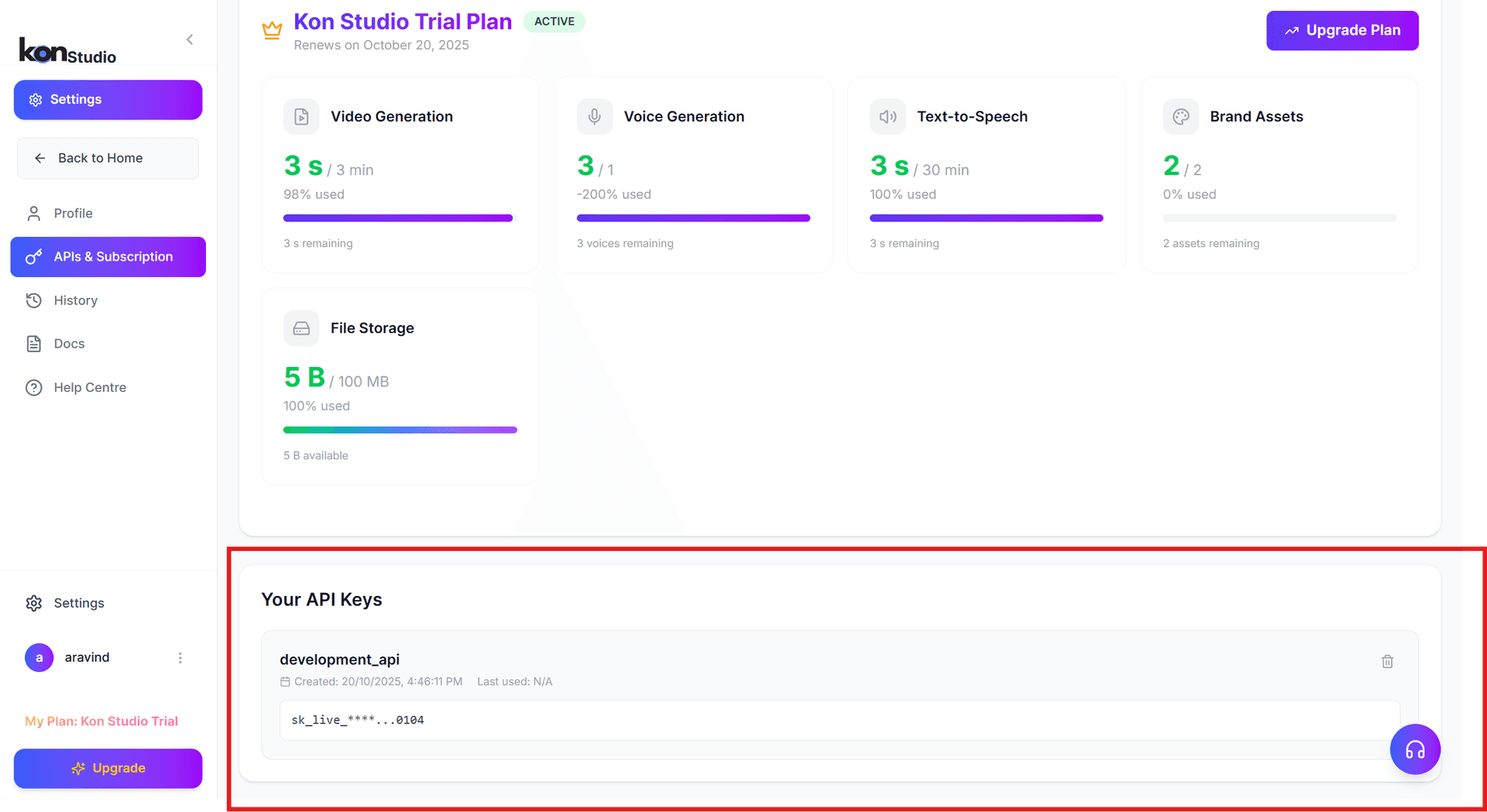
- After registering, go to Account Settings.
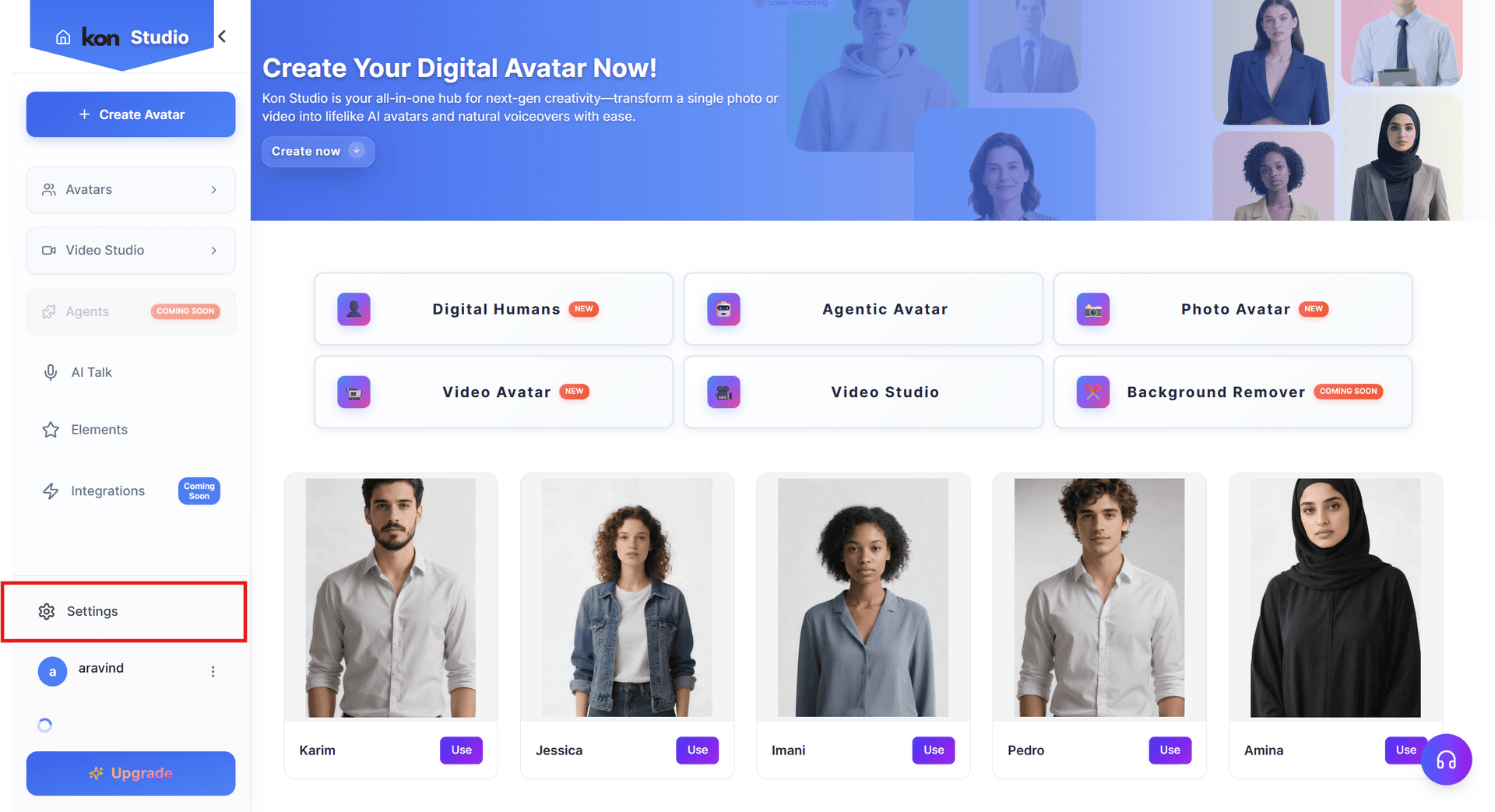
- Navigate to APIs & Subscription → Your API Keys → API Token.
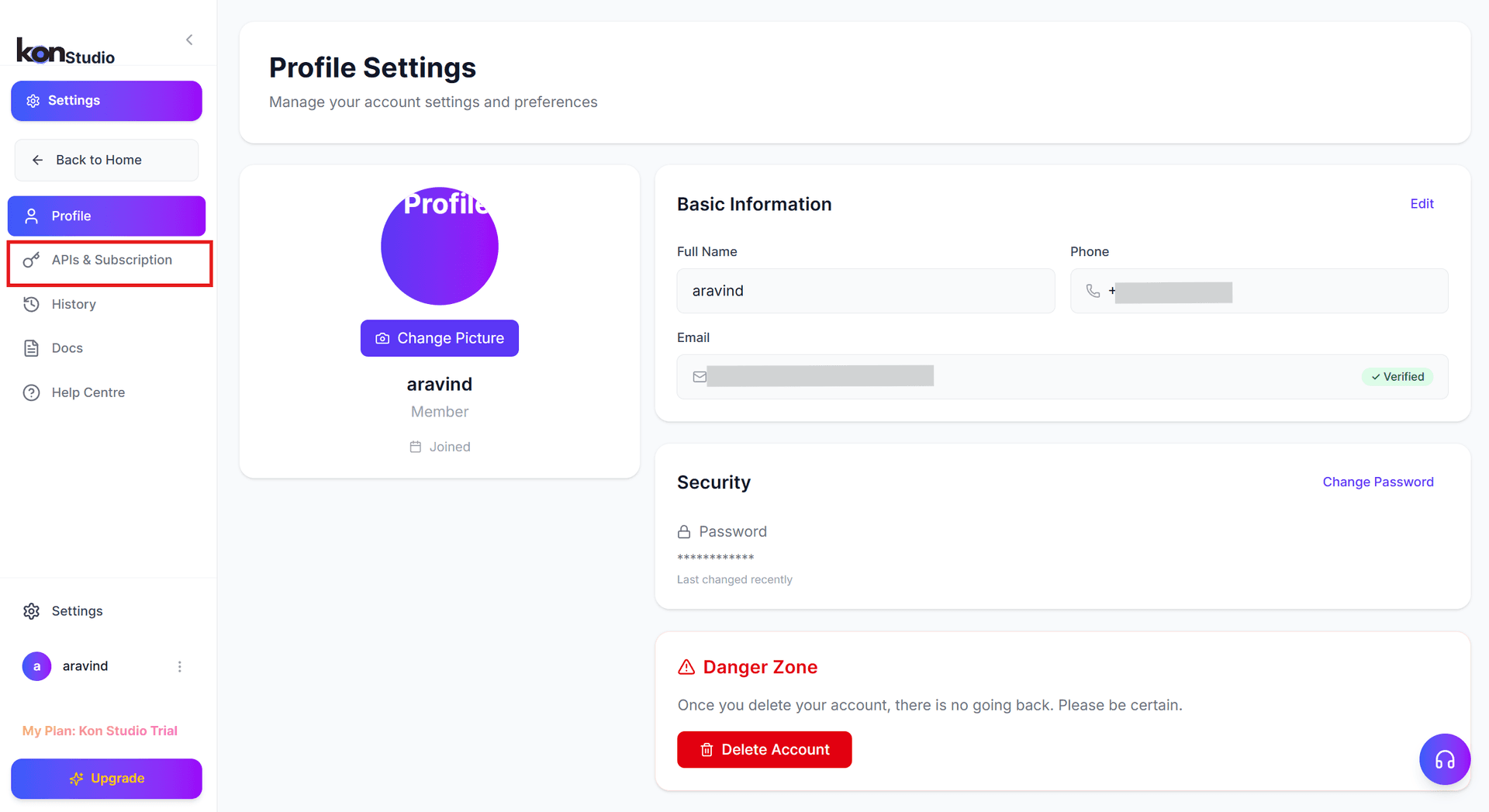
- Copy your unique API token for authentication.
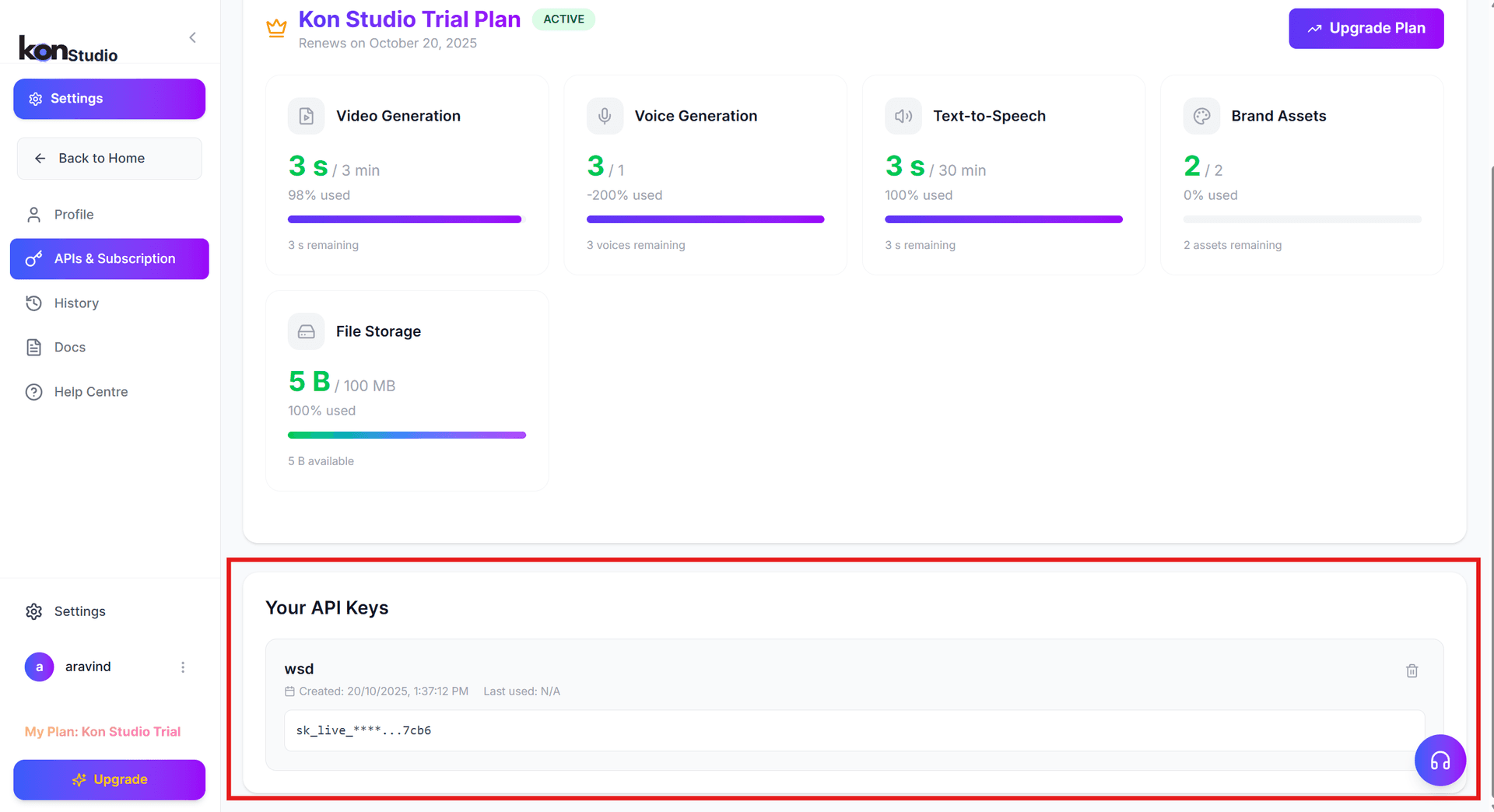
Settings → APIs & Subscription → Your API Keys → API Token
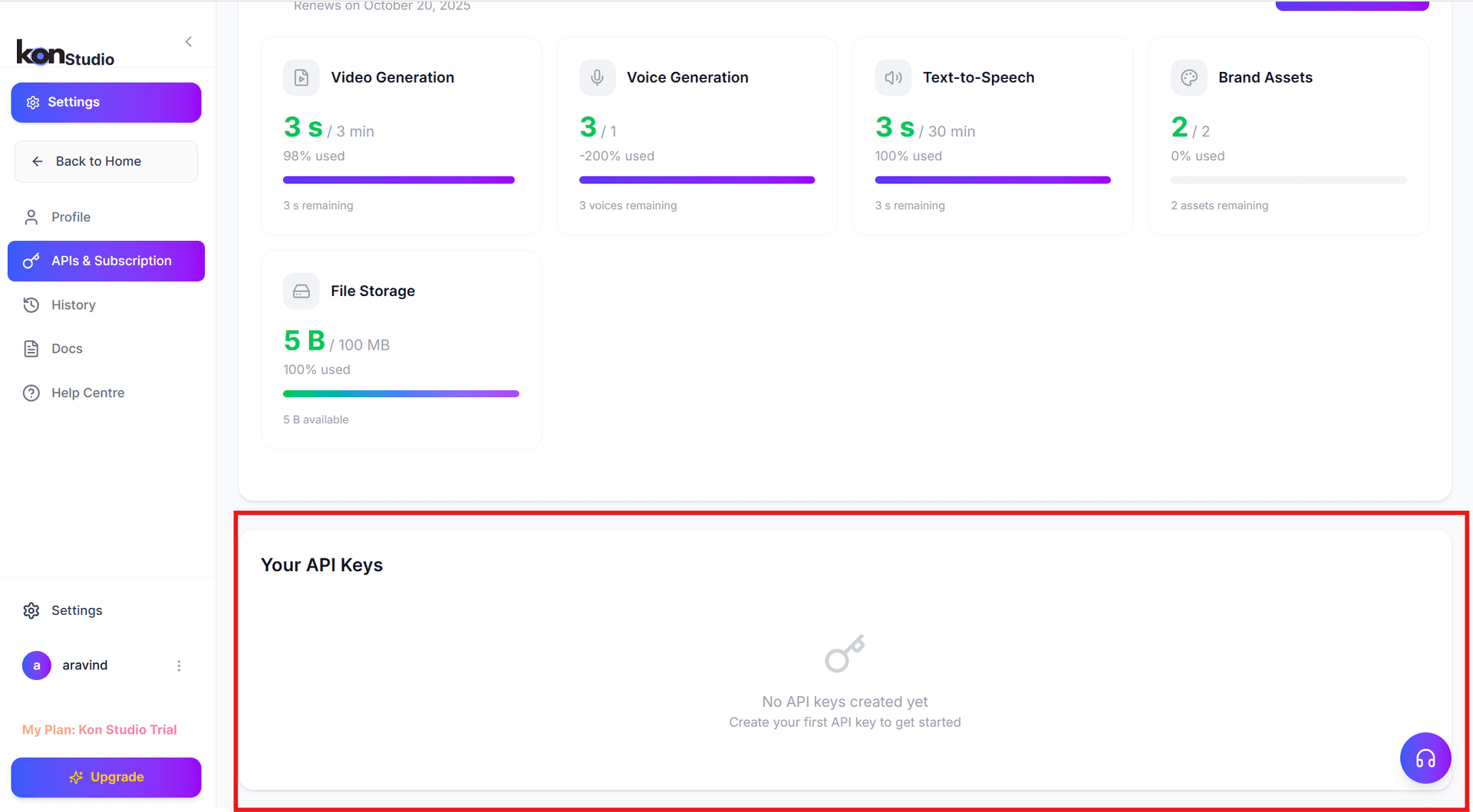
If you don’t have an existing API key:
- Click Create New Key.
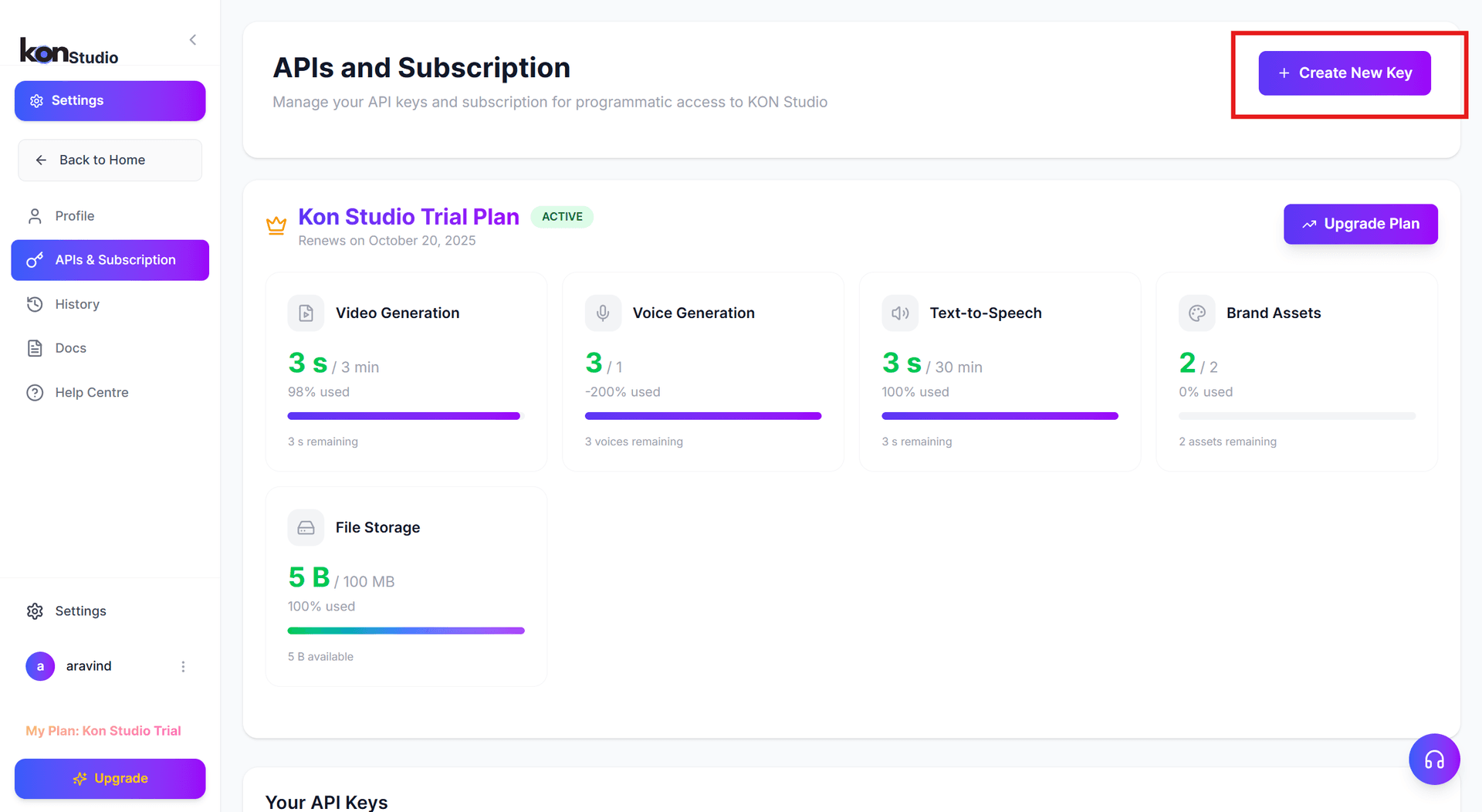
- And , Enter a name for your key and click Create Key.
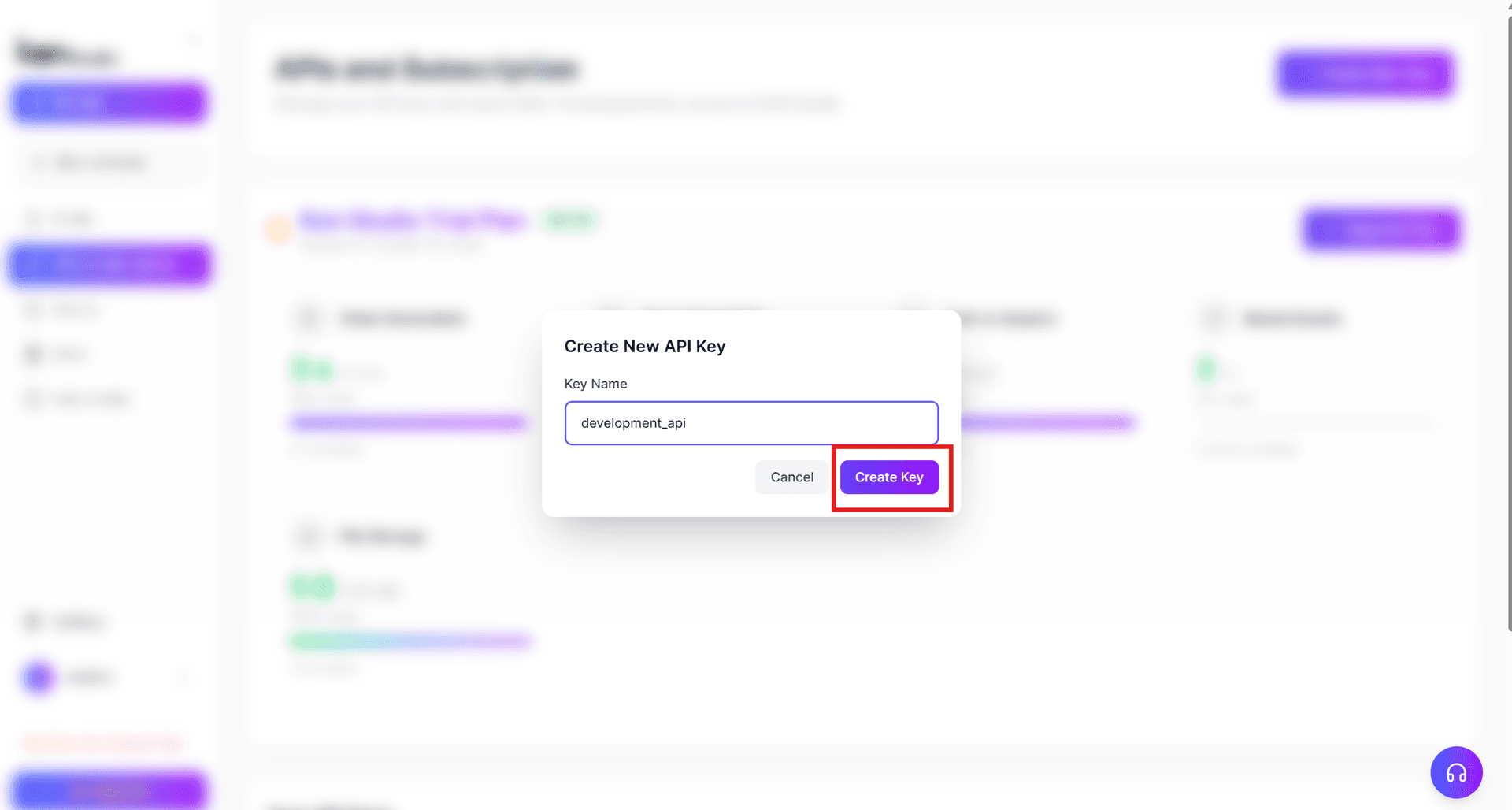
- Copy your newly generated API key; it will appear under Your API Keys.
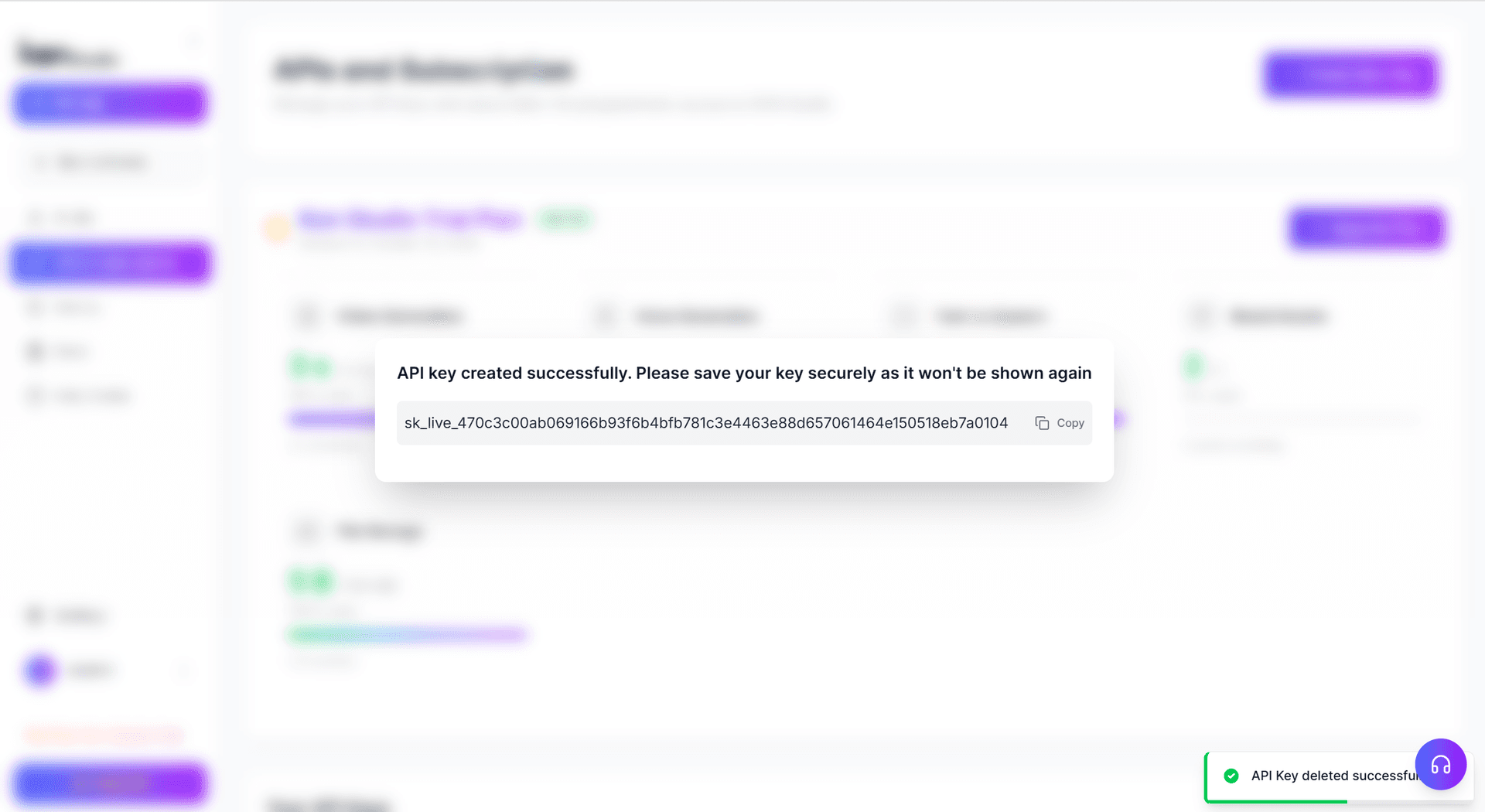
- And you can see it under Your API Keys.
Quickly Create an Avatar Video
You can use the video/generate endpoint to programmatically create MP4 videos featuring Konpro's AI avatars. Below is an example in test mode.
Note: Videos created on the Free Trial will contain a watermark.
Request
curl -X POST 'https://api.konpro.ai/v1/video/generate' \
-H 'x-api-key: <your-api-key>' \
-H 'Content-Type: application/json' \
-d '{
  "video_inputs": [
    {
      "character": {
        "type": "avatar",
        "avatar_id": "Daisy-inskirt-20220818",
        "avatar_style": "normal"
      },
      "voice": {
        "type": "text",
        "input_text": "Welcome to the Konpro API!",
        "voice_id": "2d5b0e6cf36f460aa7fc47e3eee4ba54"
      },
      "background": {
        "type": "color",
        "value": "#008000"
      }
    }
  ],
  "dimension": {
    "width": 1280,
    "height": 720
  }
}'
You'll get a response containing the ID of the generated video.
Instead of input_text, you can also provide an input_audio field that points to a public audio URL.
If bulk generation is needed, Konpro also supports Template endpoints for reusing layouts and designs efficiently.
Check Video Status
After submitting your request, check whether the video is processed using the video status endpoint.
curl -X GET 'https://api.konpro.ai/v1/video_status.get?video_id=<video_id>' \
-H 'x-api-key: <your-api-key>'
When complete, the status will display as completed.
The returned video URL is valid for 7 days (with an expiry timestamp included in the URL).
Download the Video
Once your video is ready, download it using the provided URL.
curl <video_url> --output first_video.mp4
Conclusion
The Konpro API empowers developers, creators, and businesses to generate professional AI-driven avatar videos at scale. By creating a Konpro account and using your API key, you can integrate advanced video automation into your workflows or products.