
Generate Video from Template
Create Professional Videos Using Pre-built Templates
Welcome to Template Video Generation!
Konpro's template system allows you to create professional videos quickly using pre-built templates. Templates provide a structured approach to video creation with customizable elements like text, images, videos, and avatars.
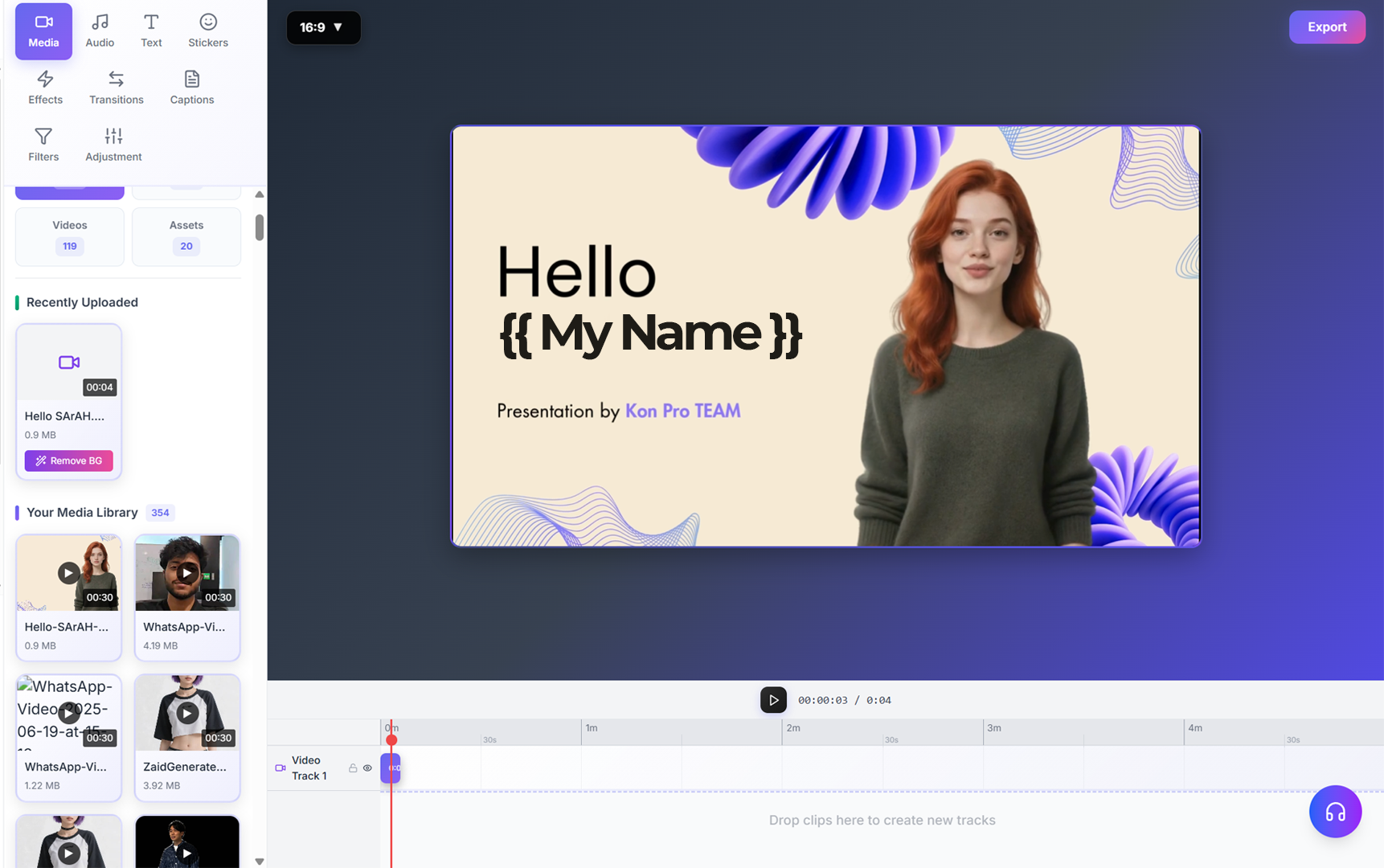
Step 1: List Available Templates
First, retrieve a list of available templates to choose from:
curl --request GET \
     --url https://api.konpro.ai/v1/templates \
     --header 'Accept: application/json' \
     --header 'x-api-key: <your-api-key>'
This will return a list of available templates with their template_id and configuration details.
Step 2: Generate Video from Template
Use the template ID to generate a video with your custom content:
curl -X POST 'https://api.konpro.ai/v1/video/generate' \
-H 'x-api-key: <your-api-key>' \
-H 'Content-Type: application/json' \
-d '{
  "template_id": "<template-id>",
  "template_inputs": {
    "text": "Your custom text here",
    "image_url": "https://example.com/your-image.jpg",
    "video_url": "https://example.com/your-video.mp4",
    "avatar_id": "<avatar-id>",
    "voice_id": "<voice-id>"
  }
}'Template Inputs:
The template_inputs object contains the custom content that will replace placeholders in the template. Available inputs depend on the specific template structure.
This will generate a new video task and return a video_id for tracking progress.
Step 3: Monitor Video Generation
Track your video's status until processing completes:
curl --request GET \
     --url https://api.konpro.ai/v1/video_status.get?video_id=<video_id> \
     --header 'Accept: application/json' \
     --header 'x-api-key: <your-api-key>'
When the status shows as completed, your video is ready for download. The download URL will expire after seven days for security.
Step 4: Download Your Video
Once the video is ready, download it using the provided URL:
curl -L -o "my_video.mp4" "<download_url>"
Replace <download_url> with the actual download URL from the video status response.