
Replace Image in Template
Easily replace images in templates for personalized video creation
Welcome to Image Replacement!
In this guide, we will learn how to replace images within a template and generate a video. The Template API allows you to dynamically modify image elements to create customized videos that suit your specific needs.
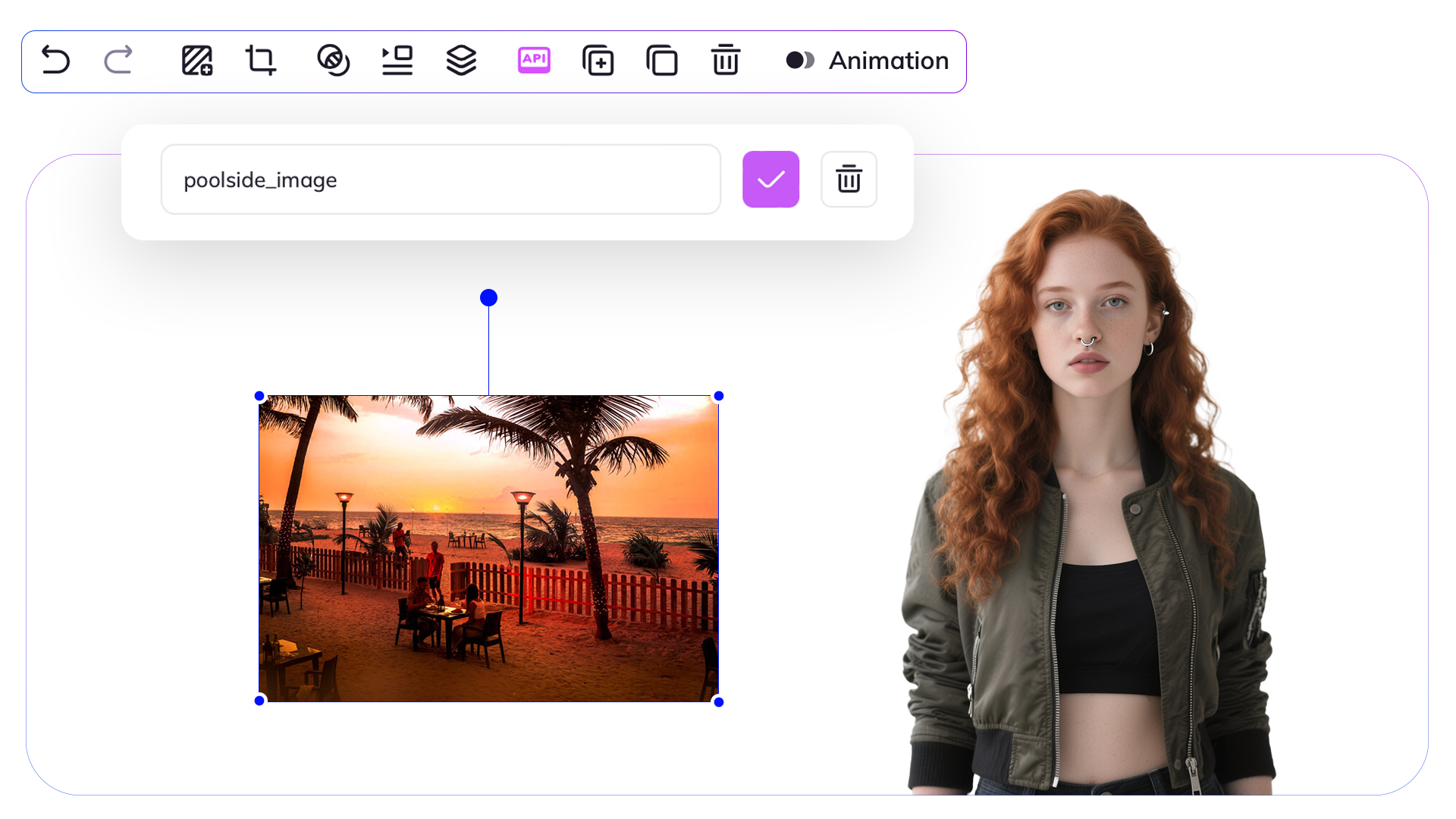
Image Properties
When replacing images in templates, you can use the following properties to customize how the image appears:
- url: URL of the image content.
- asset_id: Asset ID of the image content.
- fit: Adjustment of image or video to fit in a area, options: cover, contain, crop, or none. More Info
Creating Template through the Interface
To create templates, visit the Template page and click on "Create Template". You can then set variables and change variable names using the toolbar's API icon.
Variable Assignment:
As you can see, we have assigned a variable name to our image element. In this tutorial, we will demonstrate how to change this image using the Template API.
Step 1: Get a List of Your Templates
Using the following API request you will get a list of your templates that you have created in the interface, obtain your template_id from here.
curl --location 'https://api.konpro.ai/v1/templates' \
     --header 'accept: application/json' \
     --header 'x-api-key: <your-api-key>'
Step 2: Retrieve Template Elements
To retrieve template elements for a specific template, use this API request. Get the variable you want to change from here.
curl --location 'https://api.konpro.ai/v1/template/<template_id>' \
     --header 'accept: application/json' \
     --header 'x-api-key: <your-api-key>'
Step 3: Modify Template Elements and Generate Video
To change template elements and generate videos, you will need to submit an API request as follows. In the request body, specify the elements you want to modify by providing the appropriate object within the variables section.
curl --location 'https://api.konpro.ai/v1/template/<template_id>/generate' \
     --header 'x-api-key: <your-api-key>' \
     --header 'Content-Type: application/json' \
     --data '{
  "caption": false,
  "title": "New Video",
  "variables": {
    "poolside_image": {
      "name": "poolside_image",
      "type": "image",
      "properties": {
        "url": "https://example.com/image.jpg",
        "asset_id": null,
        "fit": "contain"
      }
    }
  }
}'
You will receive a video_id after your request. To check the video's status and retrieve further details, you can use the video_status API endpoint.
Success:
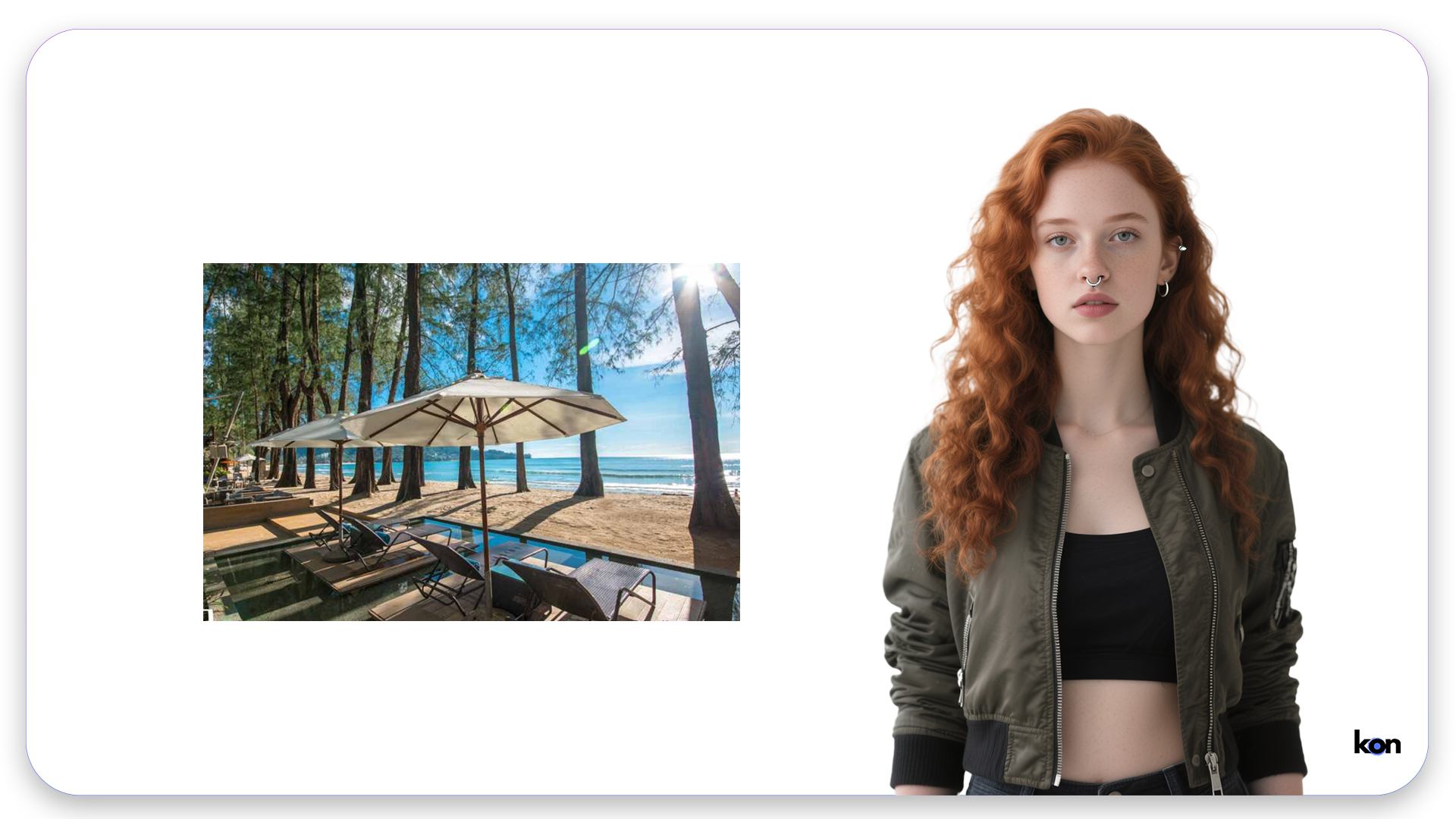
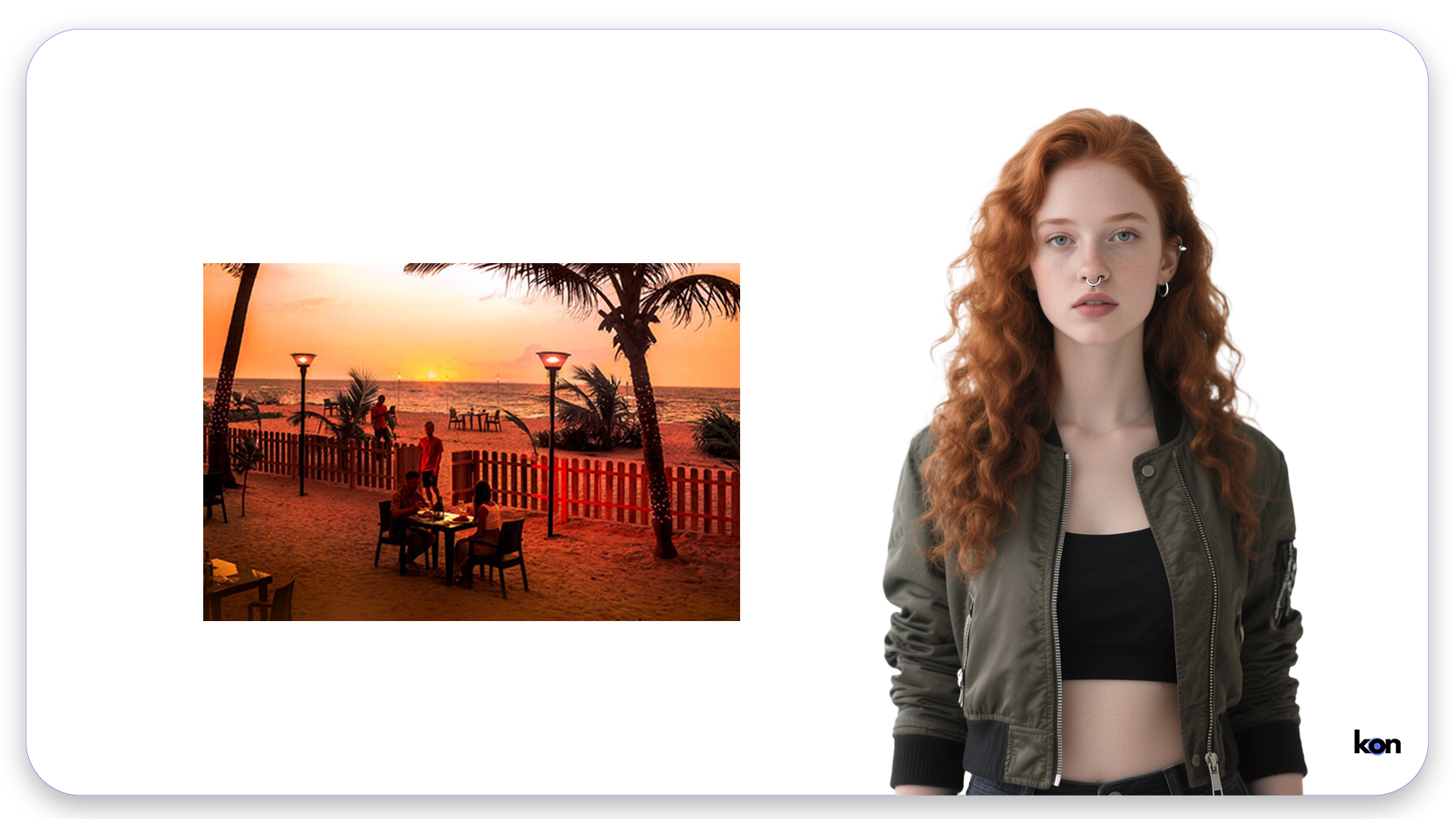
And using the Template API, we changed our image and generated our new video, here is the before and after:
You can also use images and videos interchangeably within templates. Here is how to replace an image with a video or vice versa.